
Google Docs and Drive
Sync Docs from a Drive folder into a Sonat manual.
Live Every planWrite
AI user manual generator Draft a manual from what you have Editor Write with your team, review, approve Import Word, Google Docs, web pagesPublish
Your own domain Branded docs on docs.you.com Every language A version per language PDF export Print-ready manuals Private docs For partners and teams, on paid plansAI
AI answers Readers ask, your docs answer AI Insights Questions your docs couldn’t answer Assistant widget Help inside your own product MCP server Use Sonat from Claude or ChatGPTUse cases
User manuals Product and installation guides Help center Fewer tickets, faster answers Internal knowledge base One place for your team Policies and procedures Approvals and version historyIndustries
Manufacturing Manuals for every product line Software Help docs that keep up with releases Aviation Fleet and operations manualsTeams
Support Answer before they ask Technical writers Draft less, review more Product and IT Docs that ship with featuresIntegrations
Keep writing in Google Docs, bring in Word files and web pages, and work on your docs from Claude, ChatGPT or Cursor. Sign in with your company's SSO.
Reset the controller
Hold the reset button for 30 seconds10 seconds until the light blinks blue.
Reset the controller
Hold the reset button for 30 seconds10 seconds until the light blinks blue.
Edit the Google Doc. Sonat picks up the change.
Available now
This list has only what you can use now. If yours is missing, tell us.
Sync Docs from a Drive folder into a Sonat manual.
Live Every planImport .docx files as topics you can edit.
Live Every planImport a public page by its address.
Live Every planSearch, draft and publish through the MCP server.
Live Every planYour team signs in with your identity provider.
Live EnterpriseOne script tag puts AI answers from your docs in your app.
Live $100/mo extraHow the main ones work
Connect Google Drive and pick a folder. Sonat turns each Doc into a topic, watches Drive and syncs your edits. A link from one Doc to another stays a link between topics.
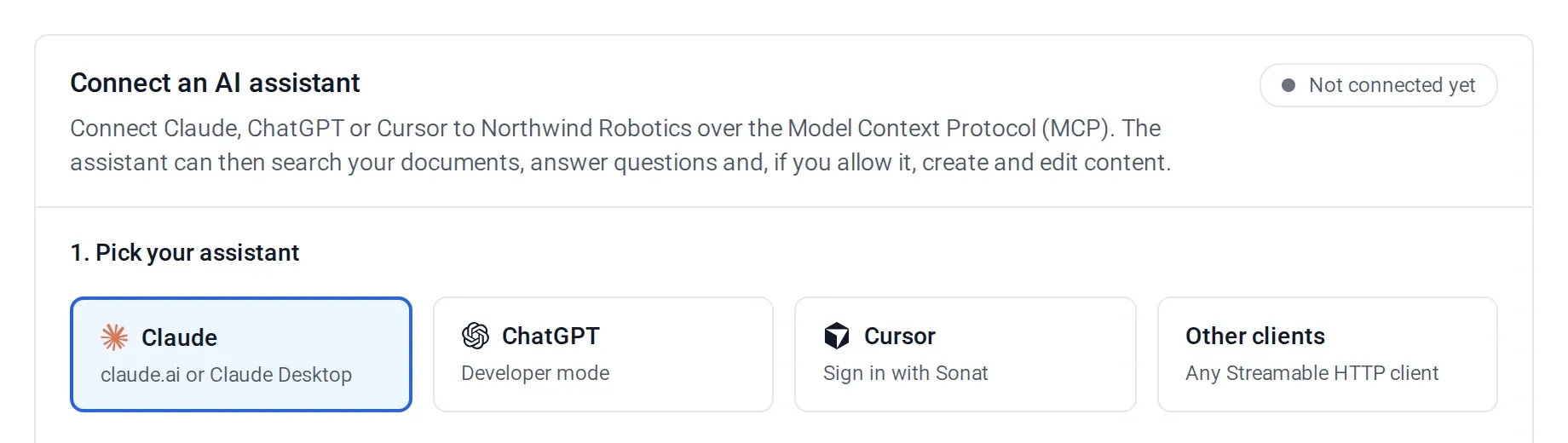
Connect Claude, ChatGPT or Cursor to the Sonat MCP server. They can search, read and edit your docs. Edits land as drafts, and you publish.
Your team signs in through your SAML identity provider. Roles stay in Sonat: Owner, Admin, Writer.
Request an integration
Helpdesks, chat tools, other editors: tell us what you use and what you'd want to happen. We read every request.
The details
Manuals published with Sonat by





Start free, connect Google Drive, and see your Docs as a searchable manual.
FAQ
Yes. Connect Google Drive, pick a folder, and Sonat publishes each Doc as a topic in a manual with search, AI answers and your own domain. Your team keeps writing in Google Docs.
Sonat watches the Drive folders you connect and syncs changes to the matching topics. You don't copy anything by hand.
Images and formatting come across with the Doc. Links from one synced Doc to another become links between topics in Sonat.
Yes. Upload a .docx file and Sonat turns it into topics you can edit, on every plan. See import.
Yes, through the Sonat MCP server. Claude, ChatGPT and Cursor can search, read and edit your docs. Edits are saved as drafts until published.
Yes, SAML single sign-on. Your team signs in through your identity provider. It is on the Enterprise plan. See pricing.
Not today. If you need one of these, request it and tell us what you'd want it to do.